CYBERSCREENSAVER
A free animated screensaver for Windows — fifteen cyber-terminal effects, and a different one on every monitor
- Signed installer for Windows 11 (64-bit)
- Full user manual (HTML), README and LICENSE
- Administrator rights needed to install
- Free to share, unmodified
Fifteen animated effects in a green-on-black terminal style — signal traces, scrolling logs, a radar, world maps, a turning 4-D hypercube, an old TV channel and more — and you choose a different one for every monitor. Some show real things: the devices on your network, this PC's processor and memory, day and night across the world right now, and the last 24 hours of world news. The rest are made up for show.
Every picture was rendered by version 2.1.0 itself, with made-up test data. Click one to see it full size.
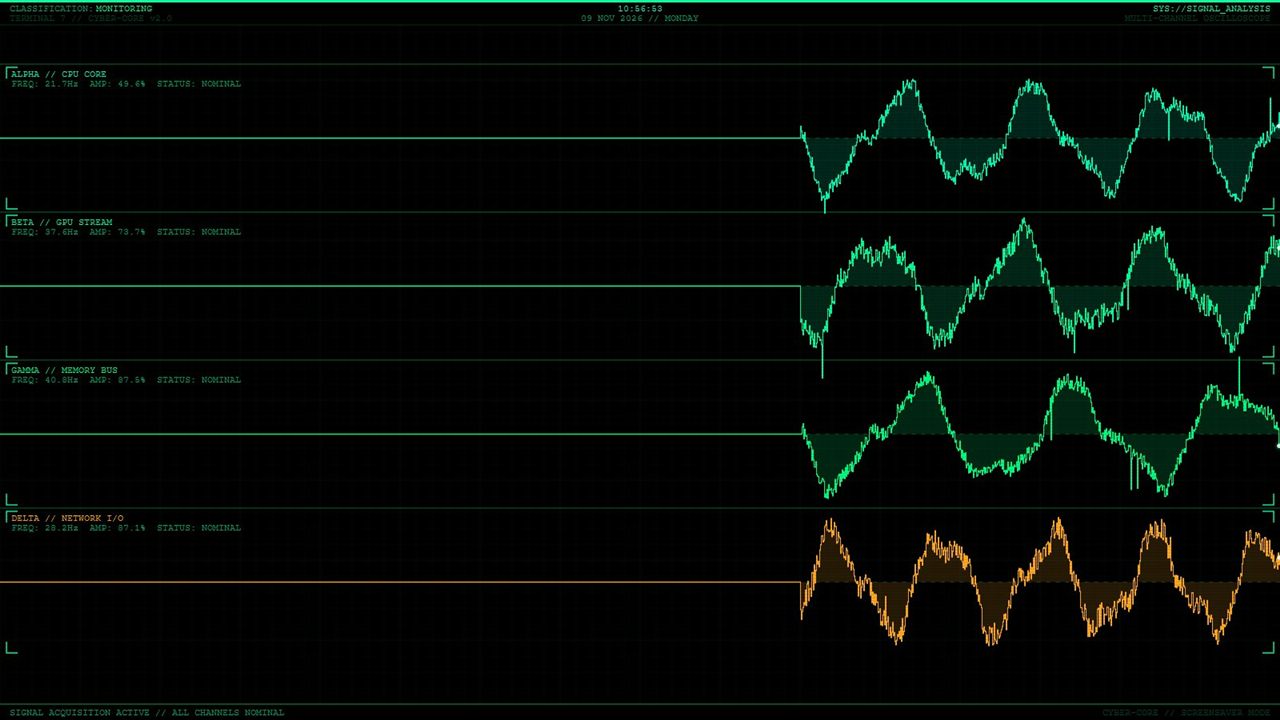
OSCILLOSCOPE
JUST THE LOOKFour scrolling signal traces with readouts.
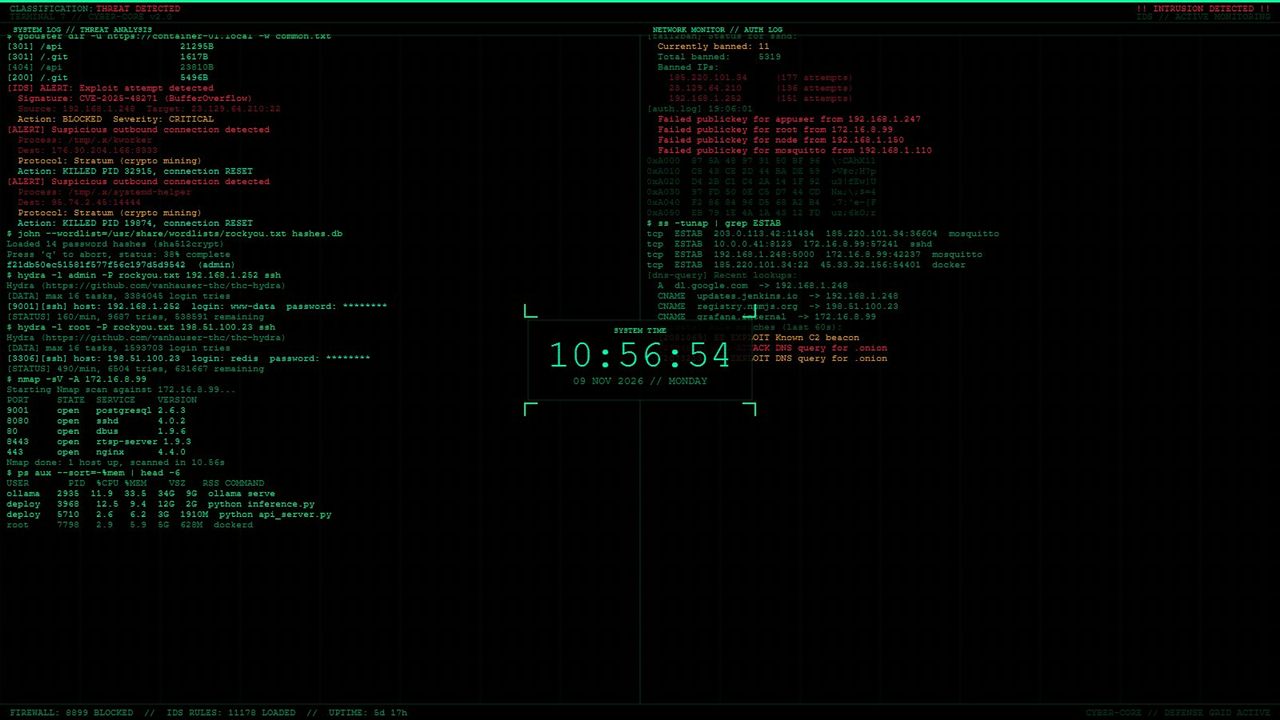
INTRUSION TERMINAL
MADE UP FOR SHOWTwo scrolling security logs and a clock. Everything in it is made up; it detects nothing.
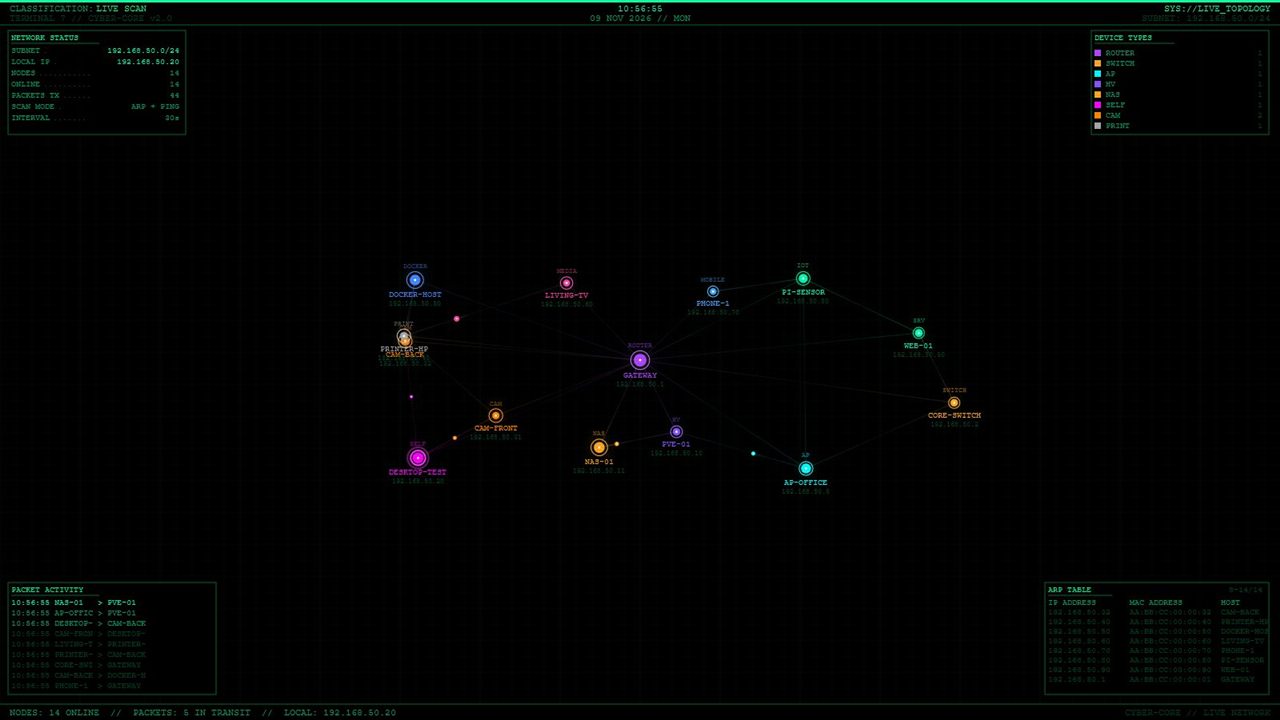
LIVE NETWORK
SCANS YOUR LOCAL NETWORKA map of the real devices on your network, drawn around the router.
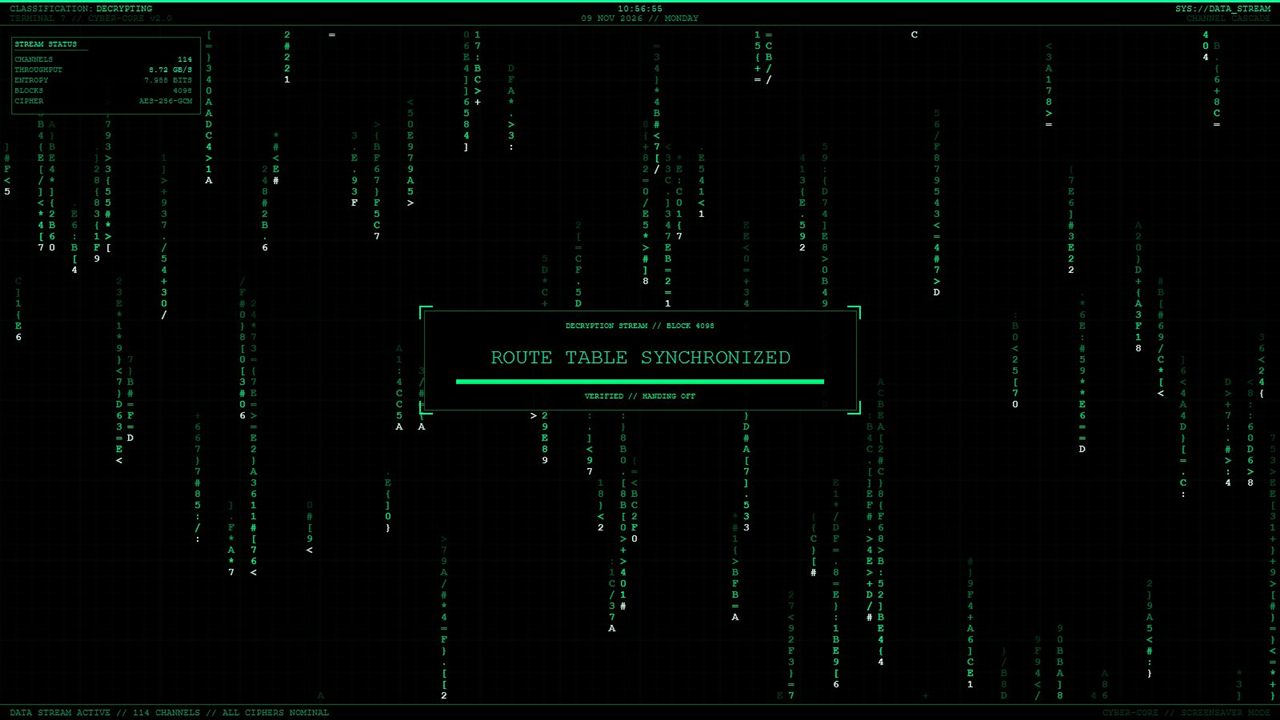
DATA RAIN
JUST THE LOOKFalling columns of characters, with a decoder box that cracks one phrase after another.
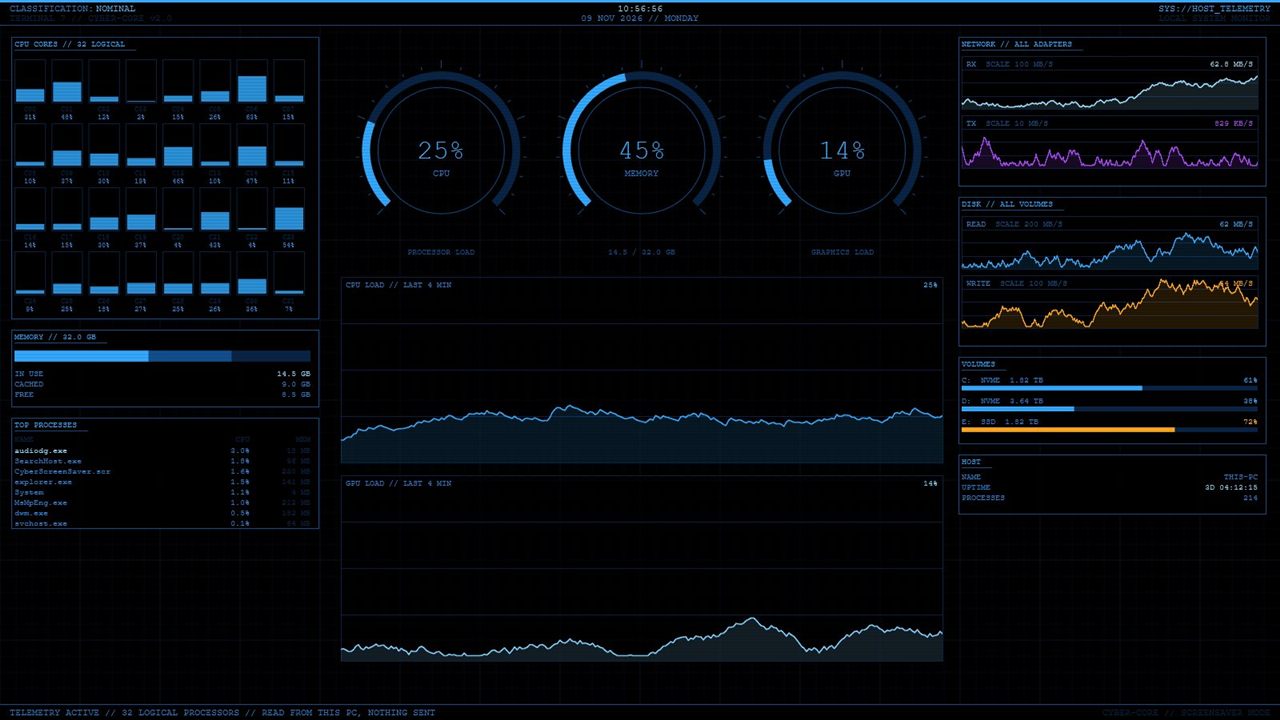
SYSTEM MONITOR
READS THIS PCThis PC's processor cores, memory, graphics, disk and network activity, drives and busiest programs, in blue.
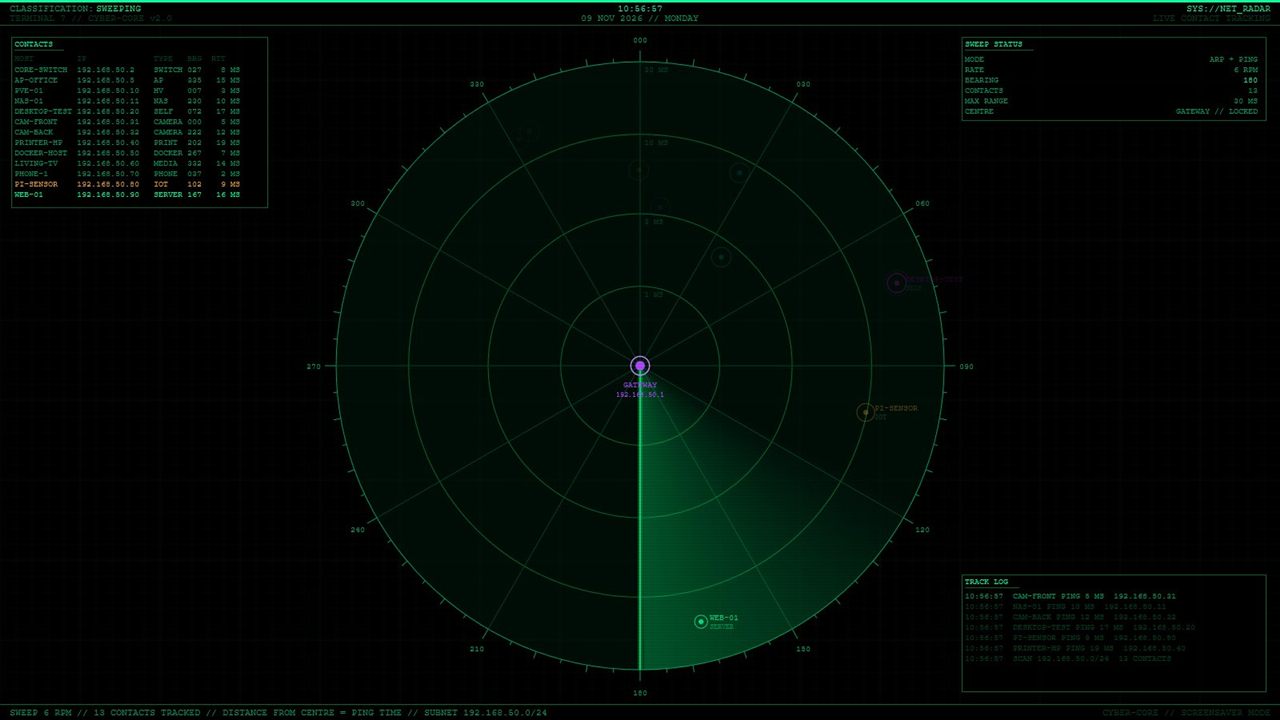
RADAR
SCANS YOUR LOCAL NETWORKThe real devices on your network on a rotating sweep; distance is how long each one takes to answer a ping.
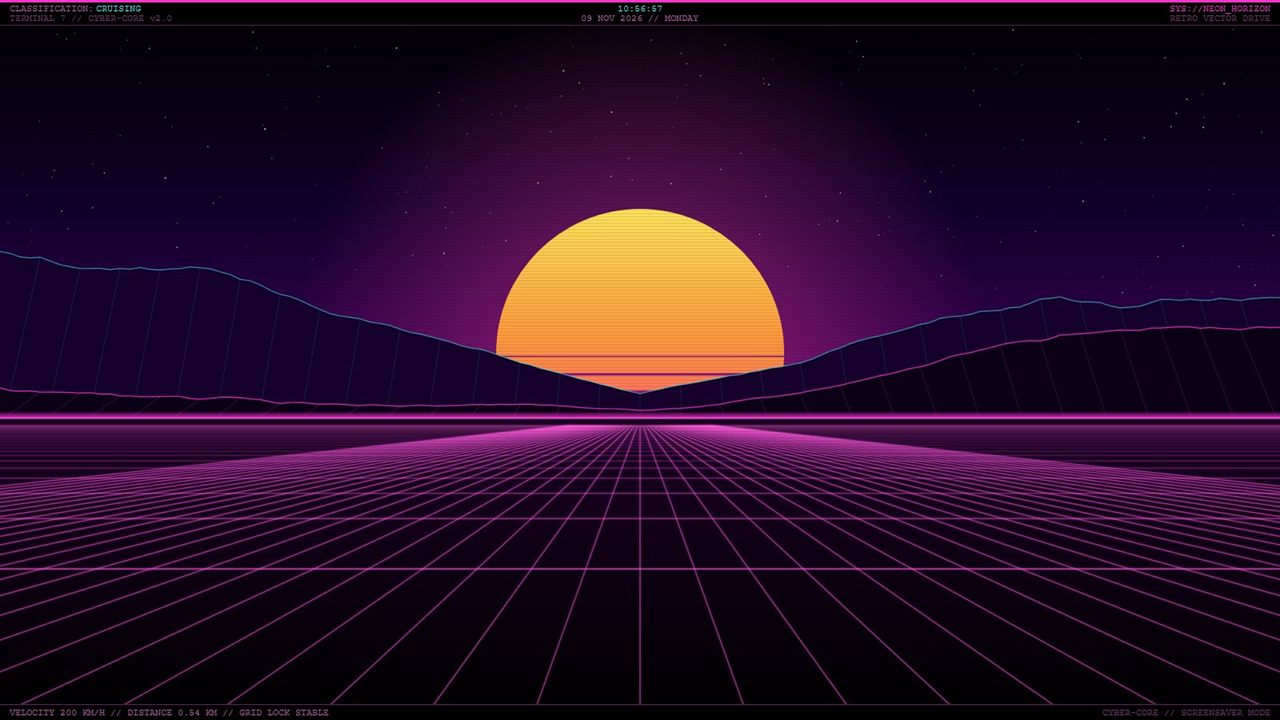
SYNTHWAVE GRID
JUST THE LOOKA neon grid rolling toward a striped sunset and wireframe mountains.
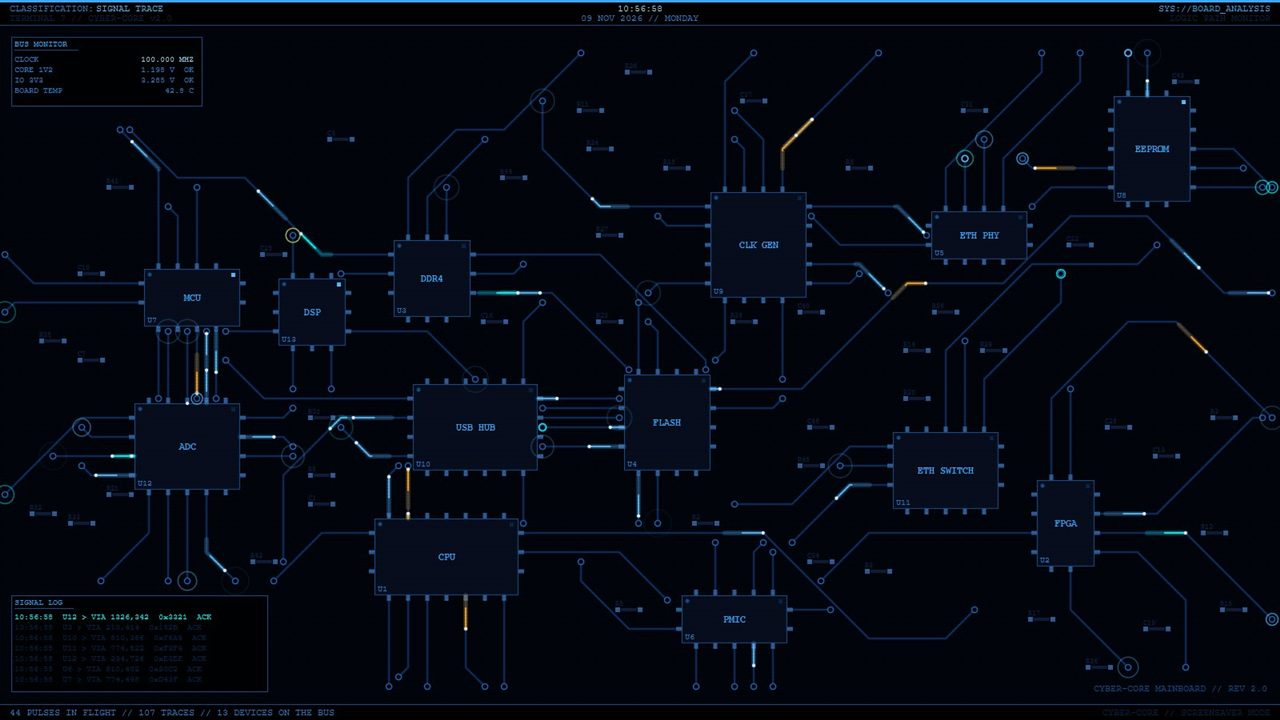
CIRCUIT BOARD
JUST THE LOOKPulses of light running along circuit traces, in blue. A new board every time.
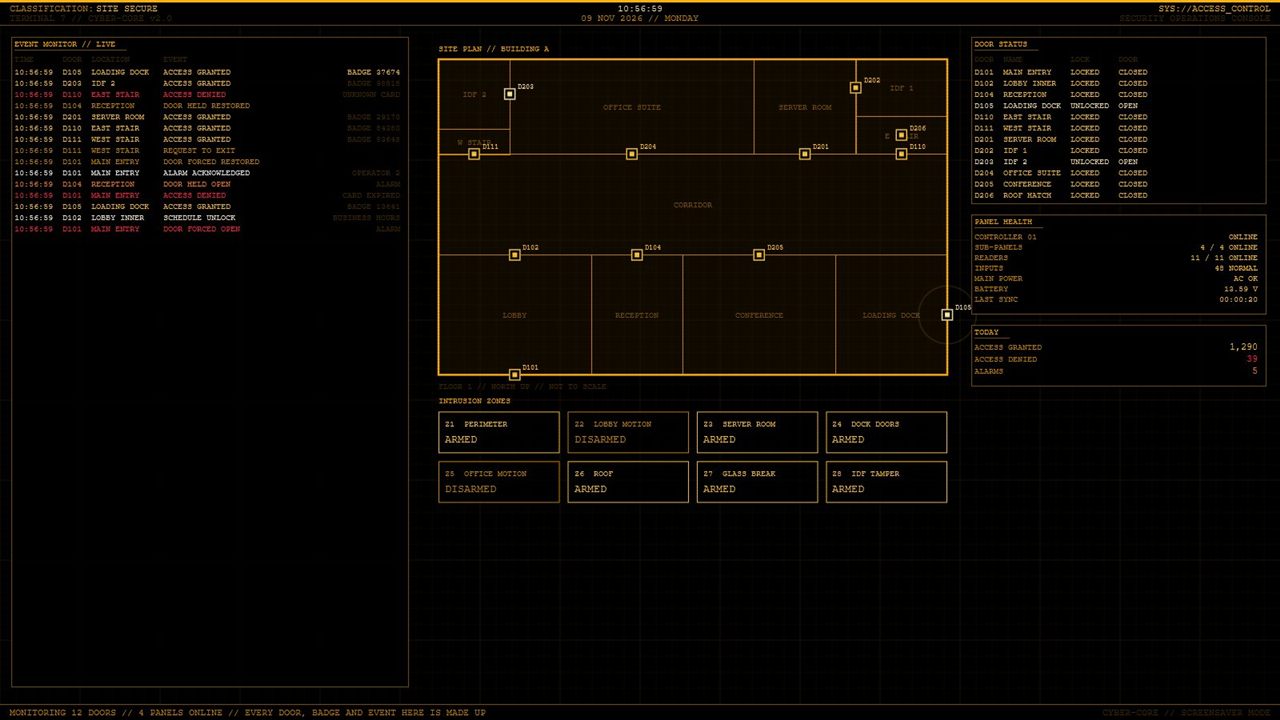
SECURITY CONSOLE
MADE UP FOR SHOWA made-up building: doors, readers, alarms and an event log, in amber. It is connected to no system.
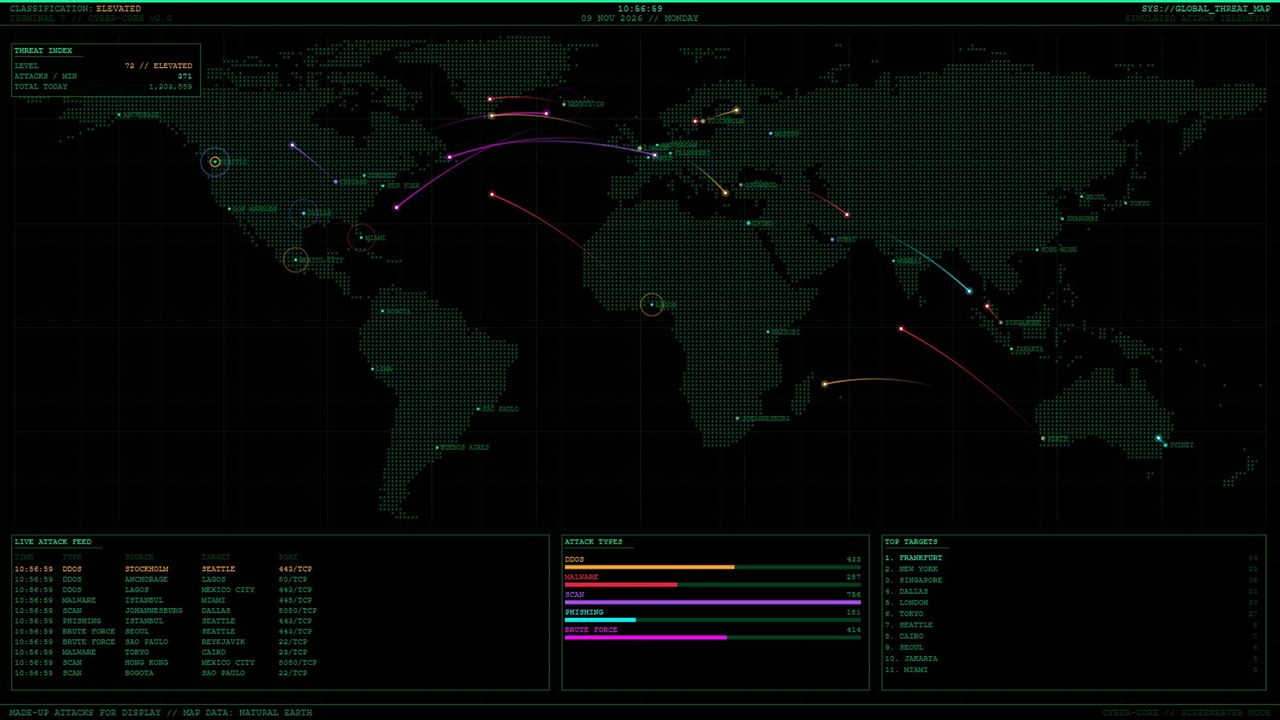
THREAT MAP
MADE UP FOR SHOWMade-up attacks arcing between cities on a world map.
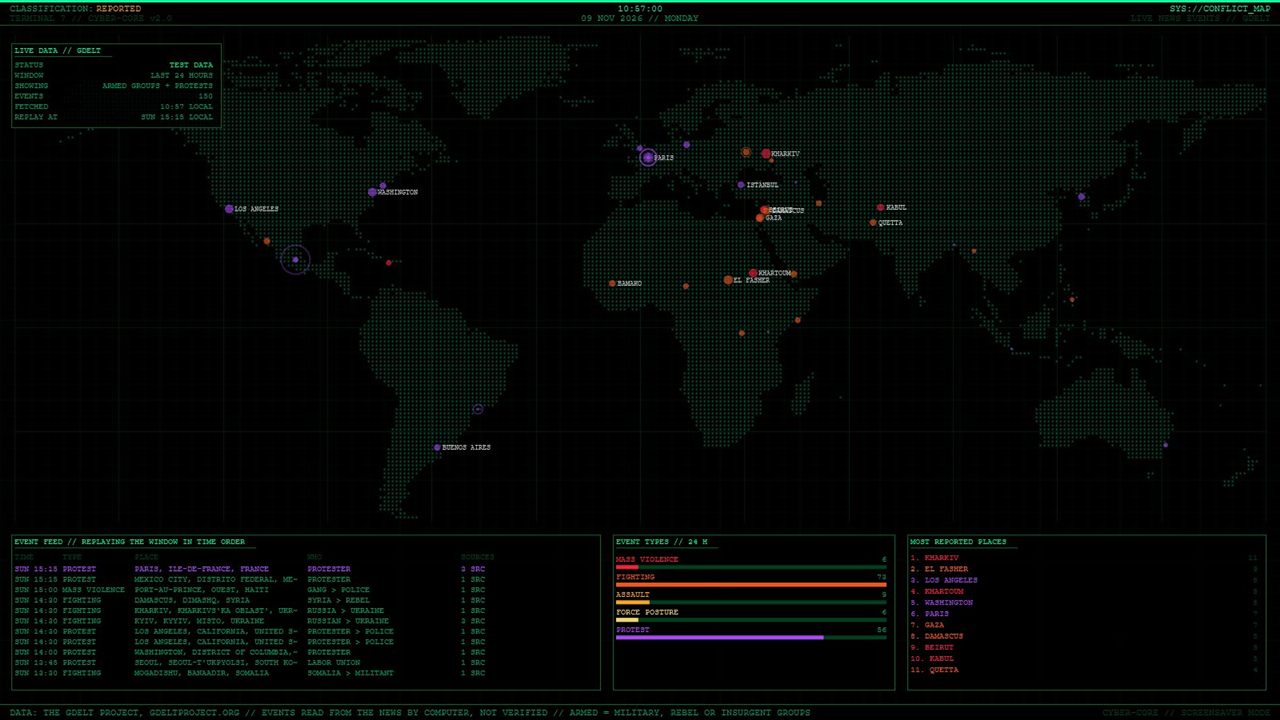
WAR MAP
DOWNLOADS NEWS DATAFighting, assaults and protests from the last 24 hours of world news, where they happened. From The GDELT Project; not verified.
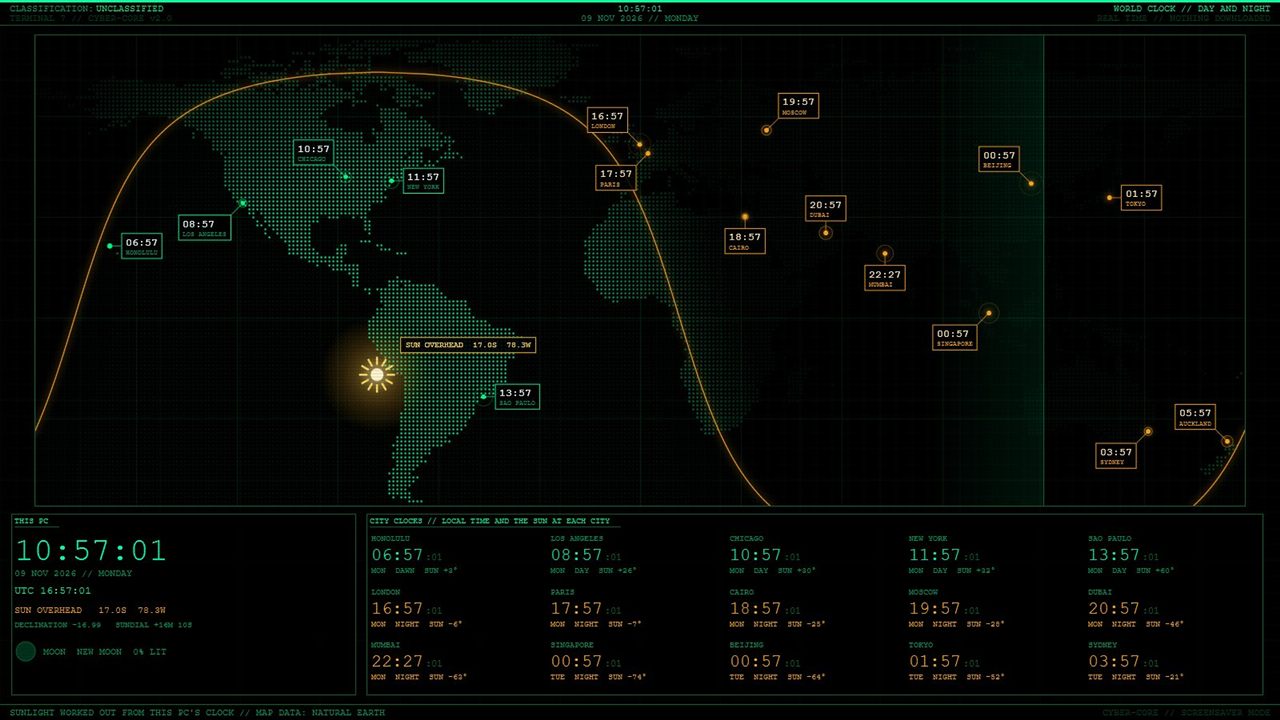
DAY/NIGHT CLOCK
WORKS FROM THIS PC'S CLOCKThe real sunlit and dark halves of the world, worked out from your PC's clock, with sixteen city clocks and the moon's phase.
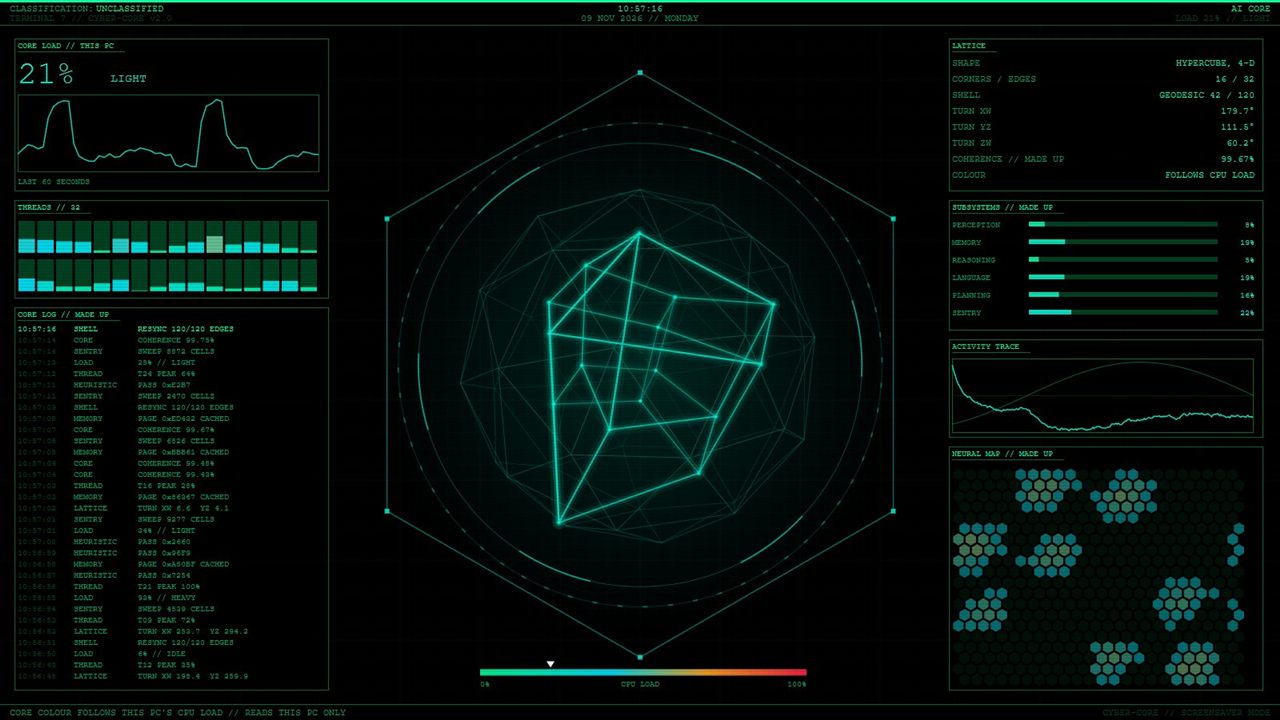
AI CORE
READS THIS PCA slowly turning 4-D hypercube whose colour follows your PC's processor load, from green to red.
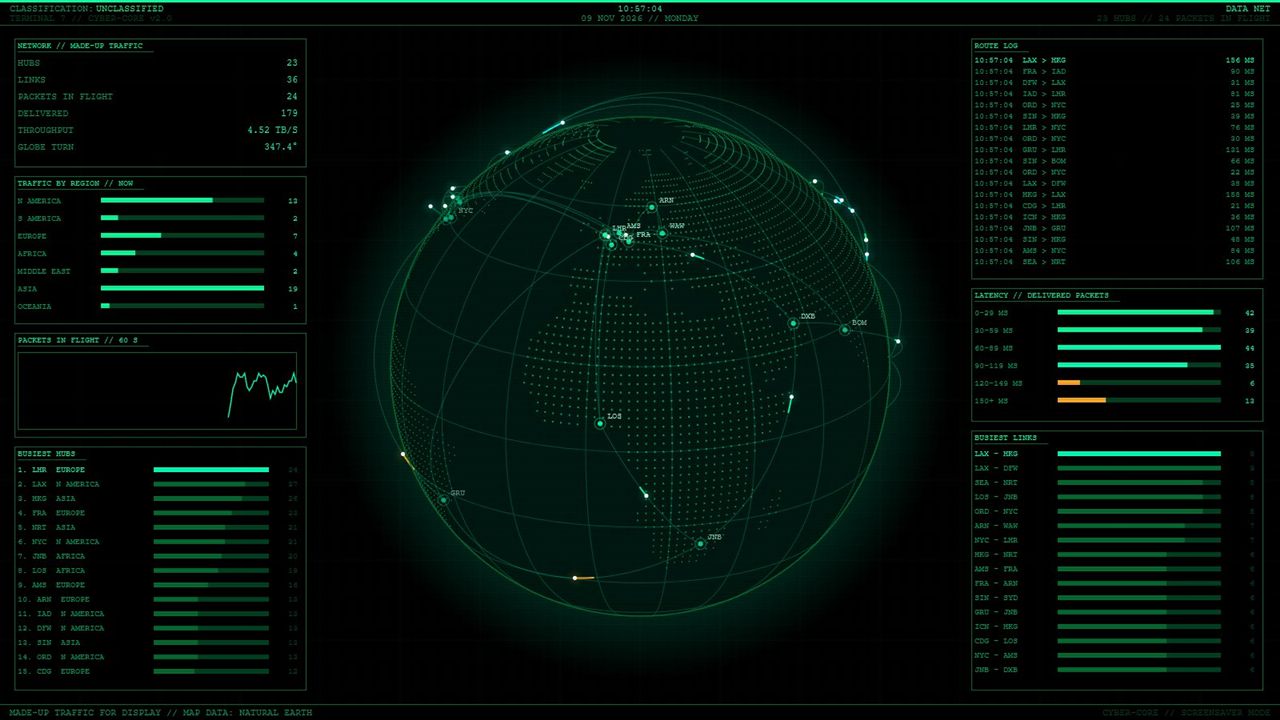
DATA NET
MADE UP FOR SHOWA turning globe with made-up network traffic racing between 23 hubs, a route log and traffic charts.
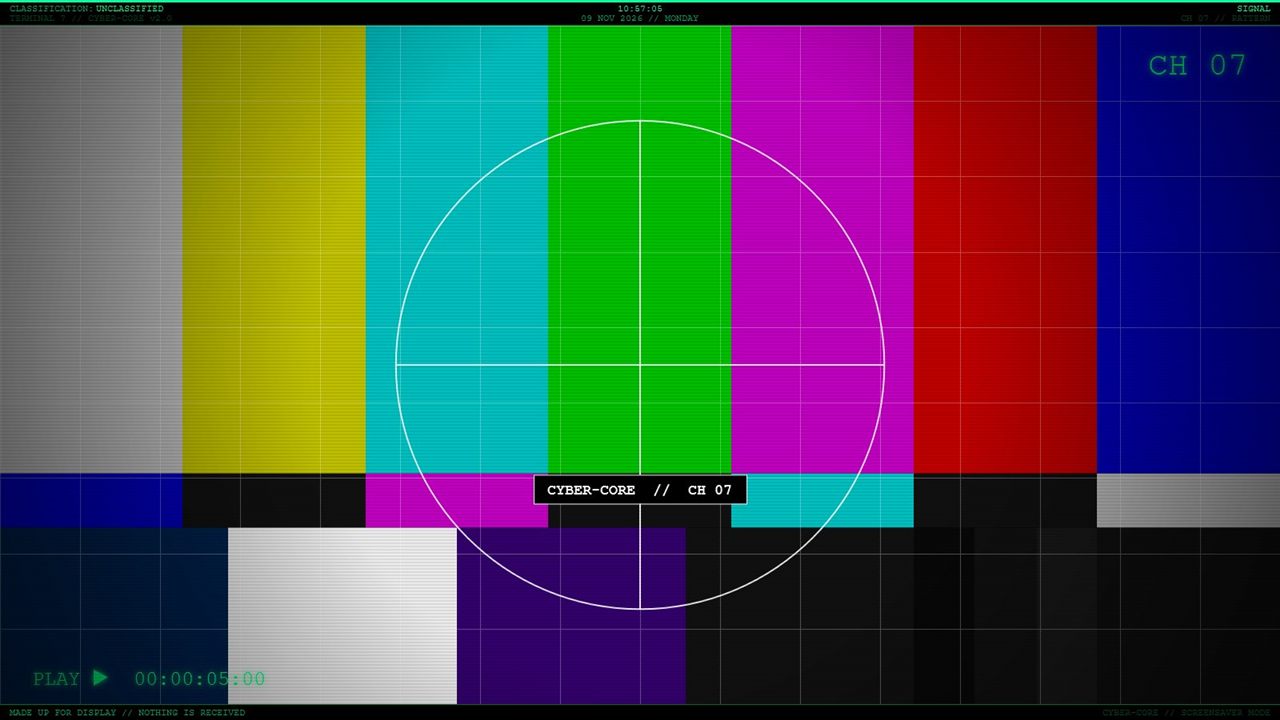
SIGNAL
JUST THE LOOKAn old TV channel: a test pattern, tracking trouble, snow with words hidden in it, then a transmission.
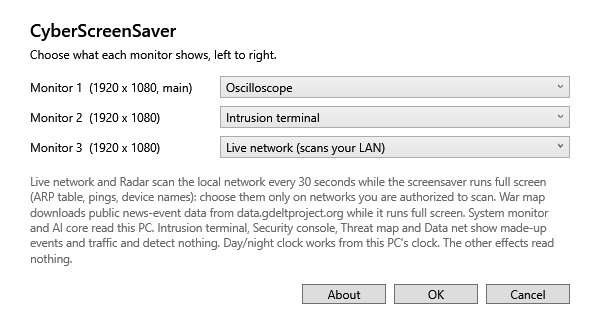
In Screen Saver Settings pick CyberScreenSaver and click Settings: one drop-down per monitor, numbered left to right.
ONE ENTRY, EVERY MONITOR
One entry in Screen Saver Settings. Its Settings button gives every monitor its own drop-down with all fifteen effects. Any number of monitors.
ONE INSTALLER, ONE REMOVAL
Copies the screensaver into Windows, copies anything it replaces to a backup folder first, and checks every file it writes. Remove it from Settings > Apps; it lists what it removes before you confirm.
REAL WHERE IT SAYS SO
Live network and Radar map the devices on your network, System monitor and AI core read this PC, War map shows the last day of world news, and Day/night clock works from your PC's clock. Everything else is made up for show, and the license says which.
EVERY RUN LOGGED
Each run writes what it started, read or downloaded, and any error, to a daily log in %ProgramData%\KWTechSolutions\CyberScreenSaver\logs. The log stays on this PC.
REQUIREMENTS
- Windows 11 (64-bit). Tested on Windows 11 Pro; Windows 10 has not been tested
- .NET Framework 4.8, which is part of Windows 11 — nothing to install
- Administrator rights to install or remove it
- Live network and Radar need a wired or wireless IPv4 network; War map needs an internet connection
- Any number of monitors. Tested with three 1920 × 1080 monitors
WHAT IT READS, SCANS AND DOWNLOADS
- Live network and Radar scan your local network every 30 seconds while they run full screen: they read this PC's ARP table, ping addresses on its local /24 subnet and look up device names. Choose them only on networks you are authorized to scan
- War map downloads public news-event data from
data.gdeltproject.orgover plain HTTP while it runs full screen, and keeps 25 hours of it on this PC. The events are read from news reports by computer and are not verified - System monitor and AI core read this PC — performance counters, running programs and drives. AI core shows only the processor load. Nothing is sent anywhere
- The Intrusion terminal, Security console, Threat map and Data net show made-up events and traffic. They detect nothing, and this is not a security product
- The installer copies the screensaver into
C:\Windows\System32, adds an entry to Windows' list of installed apps, and copies any earlier version's files to a backup folder first - You are responsible for maintaining a current, tested FULL SYSTEM BACKUP of every machine this software changes. The installer's copies of earlier files are not a backup of your computer
- Free to use and to share — the original, unmodified download only
- Support covers this program only — installation, removal and the program itself
- License agreement shown by the installer, with a tick-box you must check before I Accept works
Published by KW Tech Solutions LLC · digitally signed · free · license shown by the installer
Provided “AS IS”, without warranty of any kind. KW Tech Solutions LLC is not liable for data loss,
disruption, or any decision or action taken on the basis of what it shows — the full terms are in the
license shown by the installer and in LICENSE.txt.
War map data: The GDELT Project, gdeltproject.org; it does not endorse this product. World maps made with
Natural Earth (public domain).
Microsoft and Windows are trademarks of Microsoft Corporation. CyberScreenSaver is an independent product of
KW Tech Solutions LLC and is not affiliated with, authorized, sponsored, or endorsed by Microsoft or The GDELT Project.